
Understanding the difference between DevOps and DevSecOps — often framed as DevOps vs DevSecOps — is one of the most common questions engineering leaders ask when planning their delivery pipeline. The short answer: DevOps optimises how quickly and reliably you ship software, while DevSecOps makes security an automated, built-in part of that same pipeline instead of a last-minute gate. In this guide we break down the real differences, when each matters, and how to move from DevOps to DevSecOps without slowing your team down — drawing on how we run security in our own production SaaS every day.
DevOps vs DevSecOps: the short answer
DevSecOps is not a replacement for DevOps — it is DevOps with security woven into every stage. DevOps unites development and operations around automation, continuous integration and continuous delivery (CI/CD), and fast feedback. DevSecOps takes that culture and pipeline and adds automated security so that vulnerabilities, secrets and misconfigurations are caught early, not after release.
- DevOps answers: “How do we ship faster and more reliably?”
- DevSecOps answers: “How do we ship faster and more reliably without shipping vulnerabilities?”
What is DevOps?
DevOps is a culture and set of practices that break down the wall between software development (Dev) and IT operations (Ops). Instead of developers throwing code “over the wall” to a separate ops team, both share ownership of the entire lifecycle — from writing code to running it in production.
In practice, DevOps rests on a few pillars:
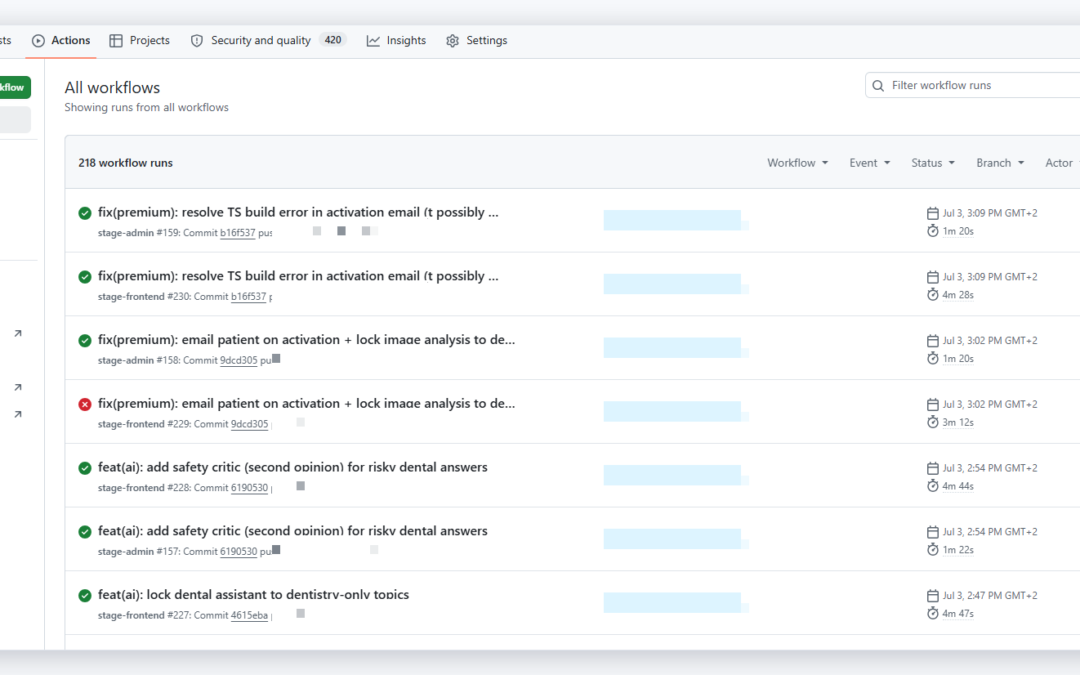
- CI/CD pipelines — automated building, testing and deployment so releases are frequent, small and low-risk.
- Infrastructure as Code (IaC) — infrastructure defined in version-controlled files (Terraform, Ansible) instead of manual clicks.
- Containers and orchestration — Docker and Kubernetes to run workloads consistently from laptop to cloud.
- Monitoring and observability — metrics, logs and traces that tell you what is happening before users complain.
- Collaboration and shared ownership — the same team builds it and runs it.
What is DevSecOps?
DevSecOps (Development, Security, Operations) extends DevOps by making security a shared responsibility across the entire pipeline — automated, continuous and early. The guiding principle is “shift left”: move security checks as close to the developer as possible, so problems are found in minutes during a pull request rather than weeks later in a penetration test.
Instead of a security team acting as a bottleneck at the end, DevSecOps bakes guardrails into the tools engineers already use:
- Automated dependency and vulnerability scanning on every commit.
- Static and dynamic application security testing (SAST/DAST) inside CI/CD.
- Secrets management so credentials never live in code or config files.
- Container image scanning and signed, trusted artifacts.
- Policy as code and least-privilege access to infrastructure.
DevOps vs DevSecOps: key differences at a glance
| Aspect | DevOps | DevSecOps |
|---|---|---|
| Primary goal | Speed and reliability of delivery | Speed and reliability with security built in |
| Security ownership | Often a separate team, late in the cycle | Shared by everyone, from the first commit |
| When security happens | Before release (gate) | Continuously (“shift left”) |
| Secrets & credentials | May be manually managed | Centralised, rotated, never hardcoded |
| Typical tooling | Git, CI/CD, Terraform, Kubernetes, monitoring | All of DevOps plus SAST/DAST, image scanning, secrets vault, policy as code |
| Main risk if skipped | Slow, fragile releases | Fast releases that ship vulnerabilities |
Why teams are moving from DevOps to DevSecOps
As deployment frequency goes up, the cost of catching a security problem late goes up with it. If you release once a quarter, a manual security review is annoying but survivable. If you release ten times a day, a manual gate either becomes a bottleneck that kills your velocity or gets skipped entirely — and vulnerabilities slip into production.
DevSecOps resolves that tension. Because checks are automated and run on every change, security scales with your delivery speed instead of fighting against it. The result is fewer incidents, faster audits, and far less “emergency patching” at 2 a.m. There is also growing pressure from customers and regulations to prove your software is secure — and a continuous, automated approach makes it far easier to stay compliant and show the evidence on demand.
Core DevSecOps practices we use in production
These are not theoretical. We run them in our own SaaS platform, where a security mistake would hit our own users first. The common thread is automation — every control runs on its own, without anyone having to remember it. Here is what “security built in” actually looks like day to day.
Secrets management — no hardcoded passwords
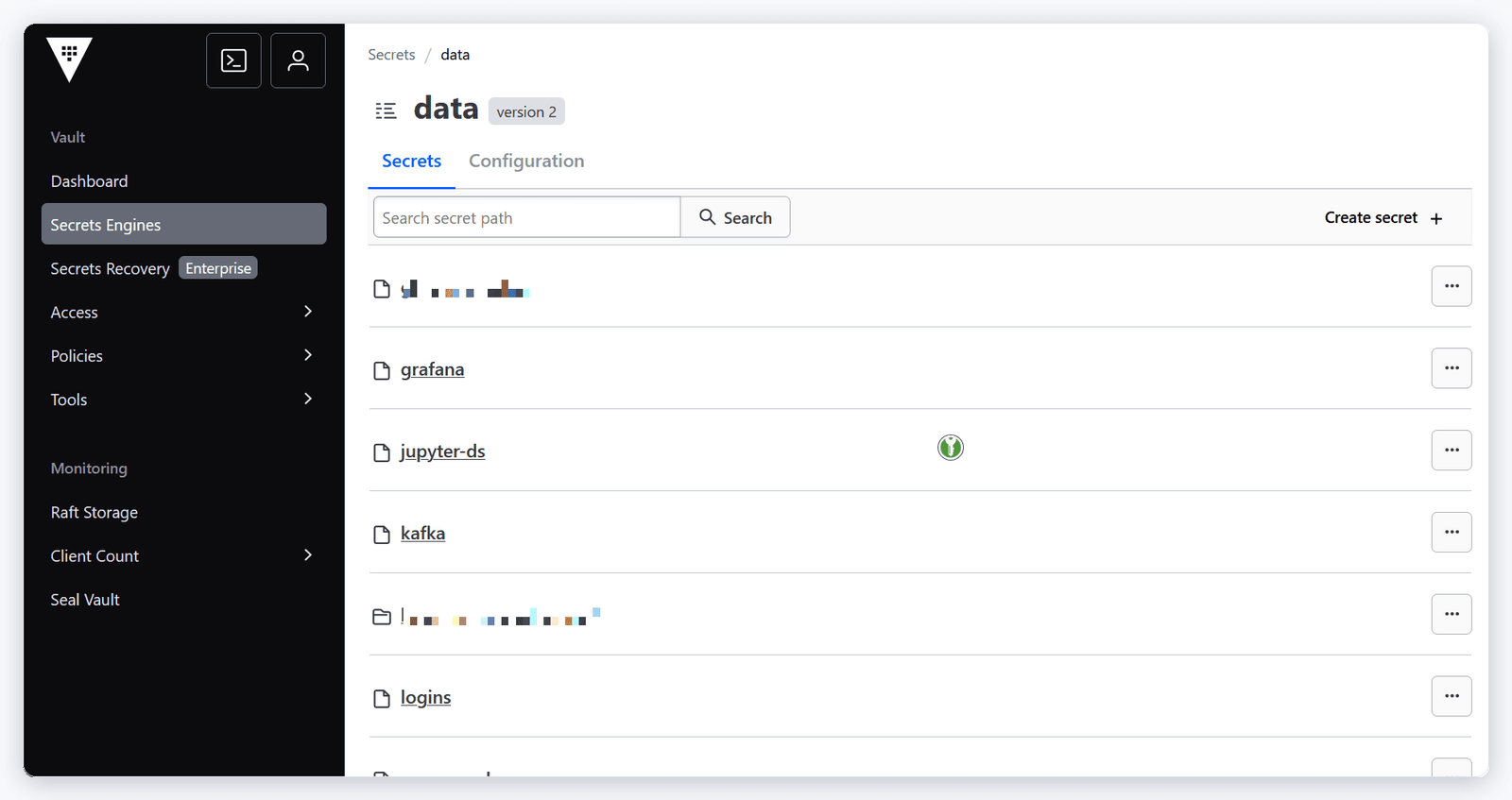
Credentials, API keys and database passwords never live in source code or plain config files. We centralise them in HashiCorp Vault, where secrets are encrypted, access-controlled and rotated. Applications request short-lived credentials at runtime, so even a leaked snapshot of a repository exposes nothing usable. This single practice eliminates one of the most common causes of real-world breaches.
Least-privilege access and RBAC
Every service, pipeline and person gets the minimum access needed — nothing more. In Kubernetes we enforce role-based access control (RBAC) and namespaces so a compromised component cannot roam the whole cluster. In the cloud, scoped IAM roles keep the blast radius of any single mistake small.

Security scanning inside CI/CD
Every pull request triggers automated checks: dependency scanning for known vulnerabilities, static analysis of the code, and container image scanning before anything is pushed to a registry. A build that introduces a critical vulnerability fails the pipeline — the same way a failing unit test would. Developers get feedback in minutes, in the tool they already use.
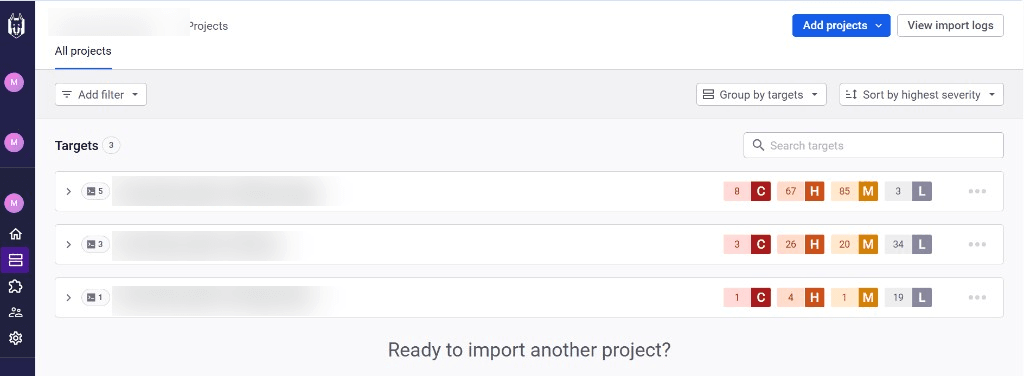
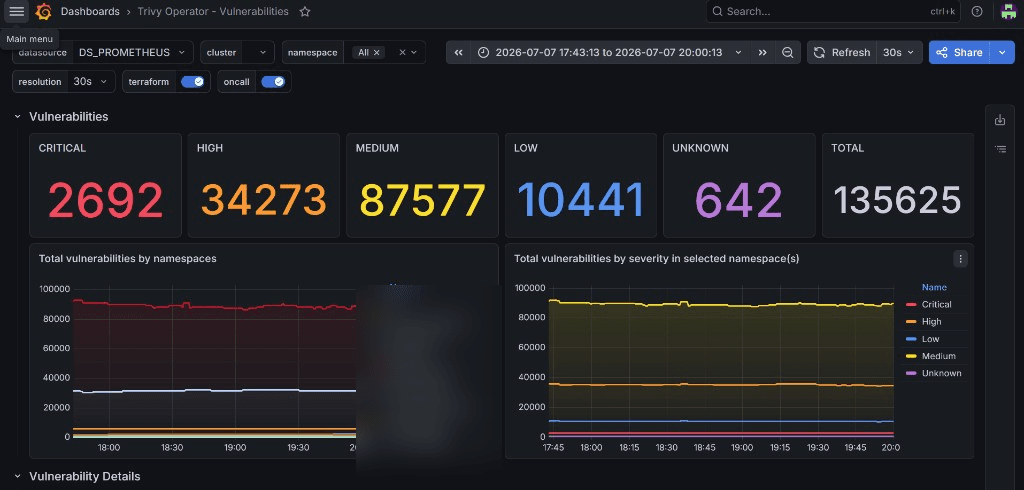
In our own pipelines we lean on tools like Snyk and Trivy. Snyk is excellent at catching vulnerable application libraries early, while a developer is still writing the software — the cheapest possible place to fix them. Trivy scans container images and infrastructure-as-code for vulnerabilities and misconfigurations before they ever reach production. What makes this genuinely useful for a whole team is where the results go: we feed Trivy’s findings into Grafana dashboards, so vulnerability trends sit right next to the rest of our observability data. Security stops being a PDF nobody reads and becomes a live signal the team watches — which also makes compliance reporting far easier, because the evidence is already there.
Encrypted backups and integrity checks
Backups are encrypted at rest and in transit, and we verify that they can actually be restored — an untested backup is not a backup. Integrity checks and monitoring alert us to unexpected changes, so tampering or corruption is caught quickly rather than discovered during a crisis.
DevSecOps in practice: a real example
When we built our own healthcare-focused SaaS, patient data meant security could not be an afterthought. We started from a standard DevOps setup — Git, CI/CD, Kubernetes, monitoring — and layered DevSecOps on top: Vault for every secret, scoped RBAC per service, automated scanning on every commit, and encrypted, tested backups.
The payoff was concrete. Onboarding a new environment went from a risky manual checklist to a repeatable, auditable pipeline. Security reviews and compliance audits became far less painful because the controls were already documented as code — a real advantage when you need to prove you handle data securely for standards like SOC 2 or ISO 27001. And because problems surfaced during development, we shipped features without the usual last-minute security scramble. That is the difference DevSecOps makes: security stops being the thing that slows releases and becomes the thing that lets you ship secure software fast.
How to move from DevOps to DevSecOps
You do not need to rebuild everything. If you already have a working DevOps pipeline, adopting DevSecOps is an incremental upgrade:
- Get secrets out of code first. Introduce a secrets manager (such as Vault) and remove hardcoded credentials — this is the highest-impact, lowest-effort step.
- Add automated scanning to CI/CD. Start with dependency and container scanning; fail builds on critical findings.
- Enforce least privilege. Tighten Kubernetes RBAC and cloud IAM so access is scoped and auditable.
- Shift testing left. Add SAST/DAST so code is checked as it is written, not after release.
- Codify policy and monitor continuously. Make guardrails automatic and watch production for drift.
How Synapps helps
We are certified engineers (Certified Kubernetes Administrator, Red Hat Certified Engineer and RHCSA) who run our own production platform — so we implement DevOps and DevSecOps the way we run our own systems, not from a slide deck. Whether you need to set up CI/CD, harden a Kubernetes cluster, or introduce DevSecOps practices like secrets management and automated scanning, we can help you ship faster and safer.
See our DevOps consulting services or book a free intro call to talk through your pipeline.
Frequently asked questions
Is DevSecOps replacing DevOps?
What is the main difference between DevOps and DevSecOps?
Does DevSecOps slow down development?
What tools are used in DevSecOps?
Conclusion
The DevOps vs DevSecOps debate is really about maturity. DevOps gets you shipping fast; DevSecOps lets you keep shipping fast while making security automatic and continuous. If you already have a pipeline, the smartest next move is to shift security left — starting with getting secrets out of your code. Do that, and speed and safety stop being a trade-off.